Setting Payment & Shipping Methods
- What is a Payment & Shipping Restrictions?
- How do I manage Payment Methods?
- How do I manage Shipping Methods?
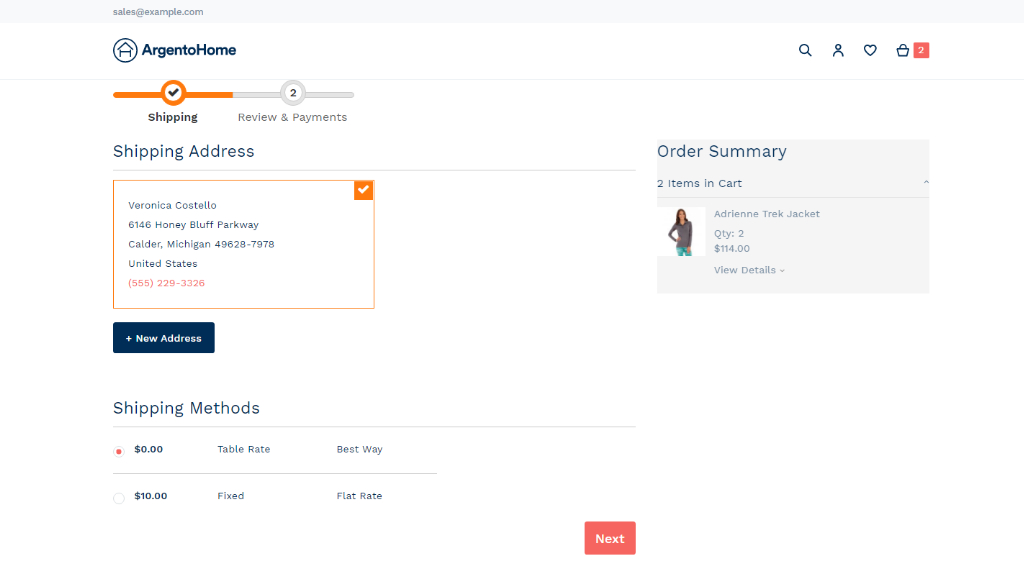
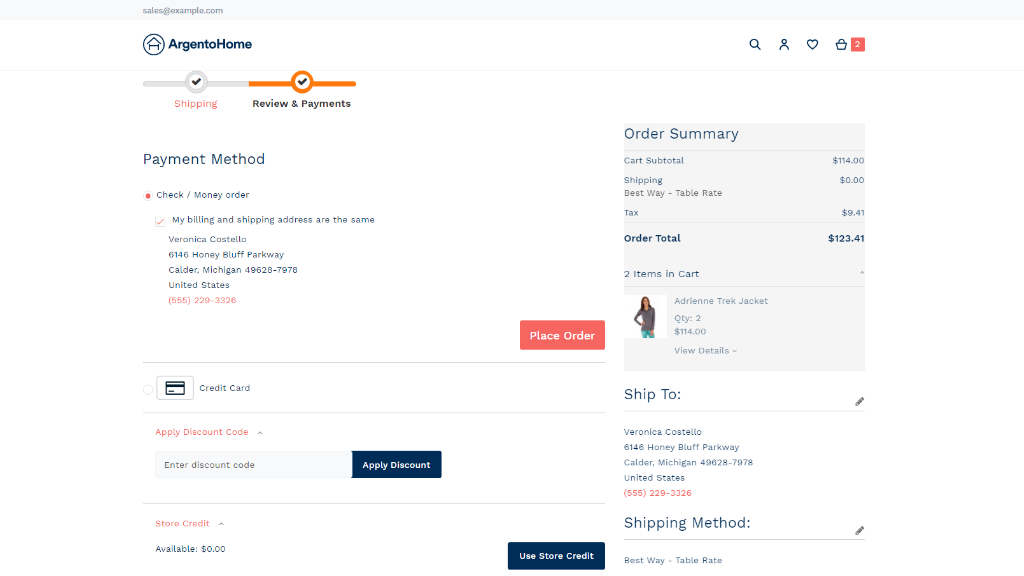
Payment & Shipping Restrictions are the tools to specify payment and shipping methods available on the checkout page with regard to customers' belonging to particular customer groups, as pre-configured on your store.
What is a Payment & Shipping Restrictions?
Payment & Shipping Restrictions enhances native functionality meant to specify payment and shipping methods at checkout against a variety of criteria. You can add the Customer Group criterion. Now vendors are able to specify which payment and shipping methods are to be shown at checkout depending on shoppers' belonging to particular customer groups.
How do I manage Payment Methods?
To enable/disable payment methods, proceed to the Payment Methods page. Here will feature the list of all the payment methods enabled in the store. Only the methods enabled on the store will feature for restricting on the config page.
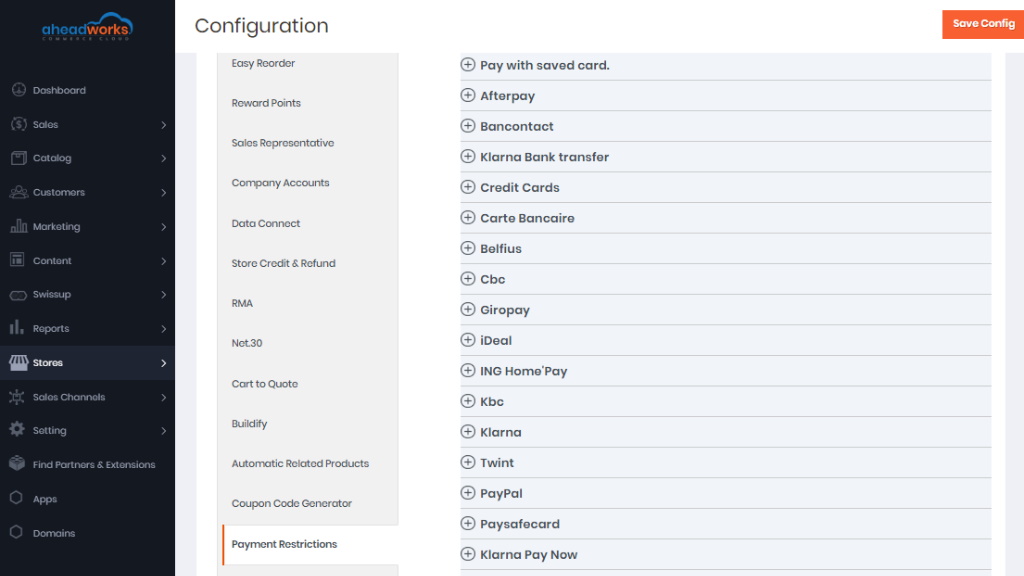
To set restrictions, click on a payment method and assign groups of customers to be eligible for this type of payment.
Clicking on the name of the payment method will unfold the full name of thereof, as well as the checklist of all customer groups available on the store. To add/delete customer groups, proceed to the Customer Groups page. Name your custom groups meaningfully, so that you later have meaningful restrictions on payments.
By default, all customer groups are given the same rights to all payment methods. It means that all payment methods are open for all groups. When in the default mode, the list of groups will come inactive, greyed-out, and the Use System value checkbox checked.
To specify the groups which will have access to the chosen payment method, untick the Use System Value checkbox and click on the customer group on the list. The multi-select feature is available: select the group, press the CTRL button on the keyboard, hold it and select as many other groups as you need. Multiselect works with your mouse and mobile devices too.
|
The All Groups option will apply restrictions to all groups presented on the list. |
How do I manage Shipping Methods?
To set restrictions, unfold the options of the shipping method by clicking on the name of the method, and scroll down to the Allowed for Selected Customer Groups Only parameter.
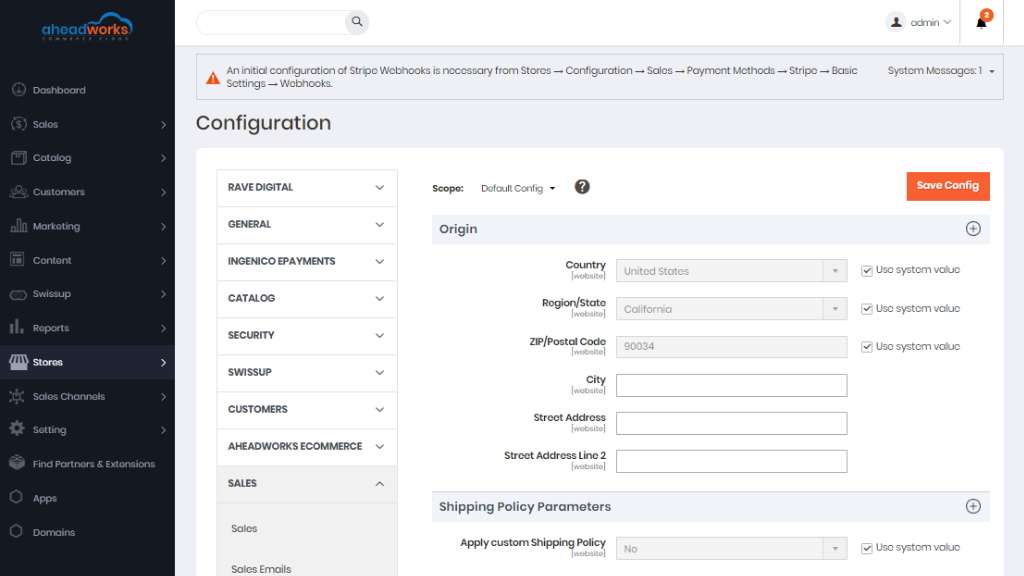
The Allowed for Selected Customer Groups Only parameter comes as a checklist of all customer groups available in the store. To add/delete customer groups, proceed to the Customer Groups page.
Name your custom groups meaningfully, so that you later have meaningful restrictions on shipping.
By default, all customer groups are given the same rights to all shipping methods. It means that all shipping methods are open to all groups. When in the default mode, the list of groups will come inactive, greyed-out, All Groups selected.
To specify the groups which will have access to the chosen shipping method, click on the name of the group. It will then get highlighted in blue. To select multiple groups, press the CTRL button on the keyboard and select as many groups as you need. Multiselect works on mobile devices too.
|
The All Groups option will apply restrictions to all groups presented on the list. |
Only those methods of shipping that have been pre-configured herein will feature on the Checkout page. Cutting the list short and suggesting selected options for various customer groups will save the time of customers and will suggest to them you know their needs and preferences.