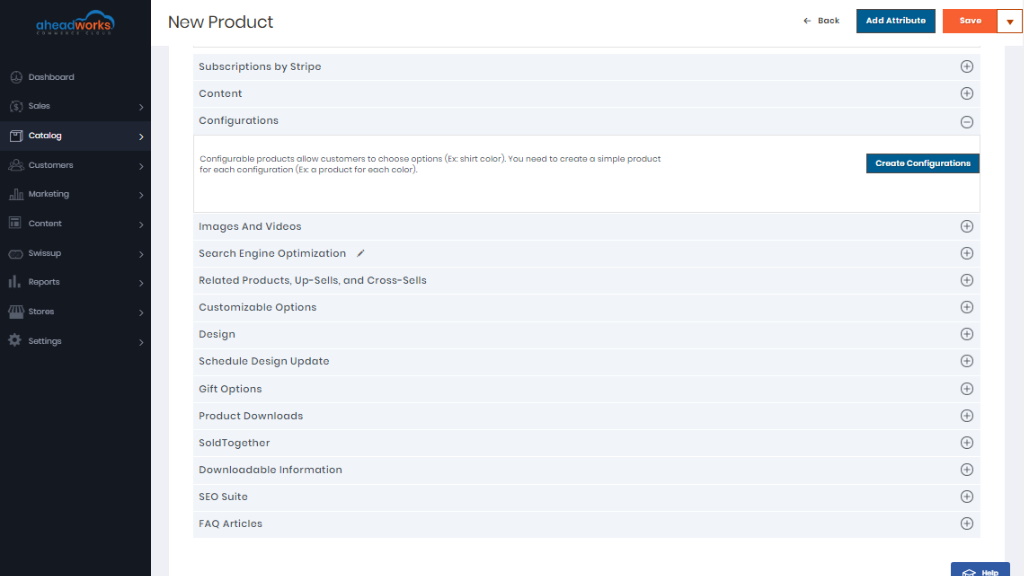
Catalog Management
The Catalog menu provides easy access to product creation, category, and inventory management tools, as well as shared catalogs for custom pricing in B2B stores.
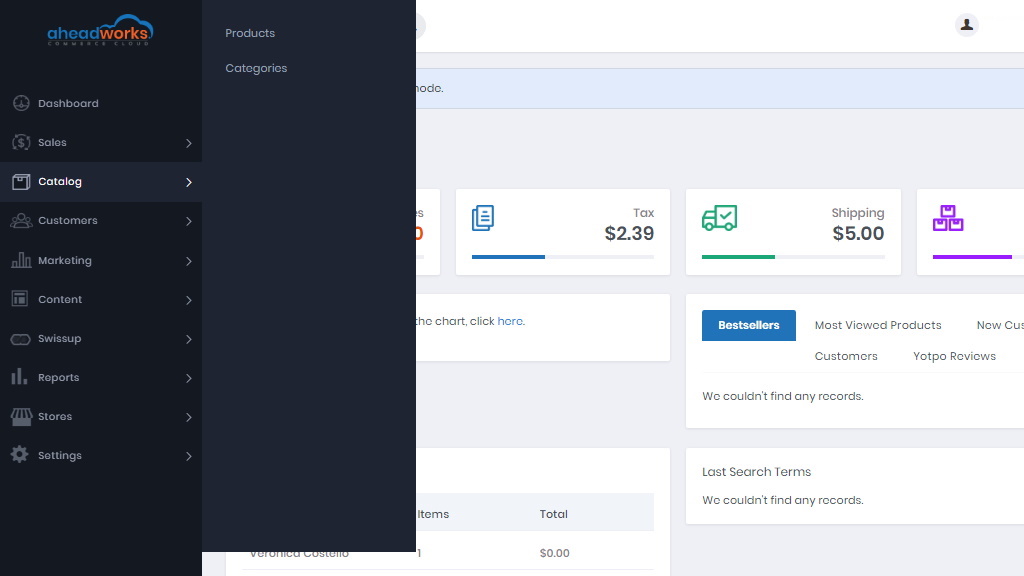
Catalog
- Products - here you can find the grid products in the catalog, create new products and edit existing ones;
- Categories - create categories before adding the products to simplify navigation in the store.
|
Please note that Enable Cross Border Trade must always be set to Yes. This configuration can be found by clicking on the link under dropbox or by proceeding with Stores > Configuration > Sales > Tax > Calculation Settings > Enable Cross Border Trade. |
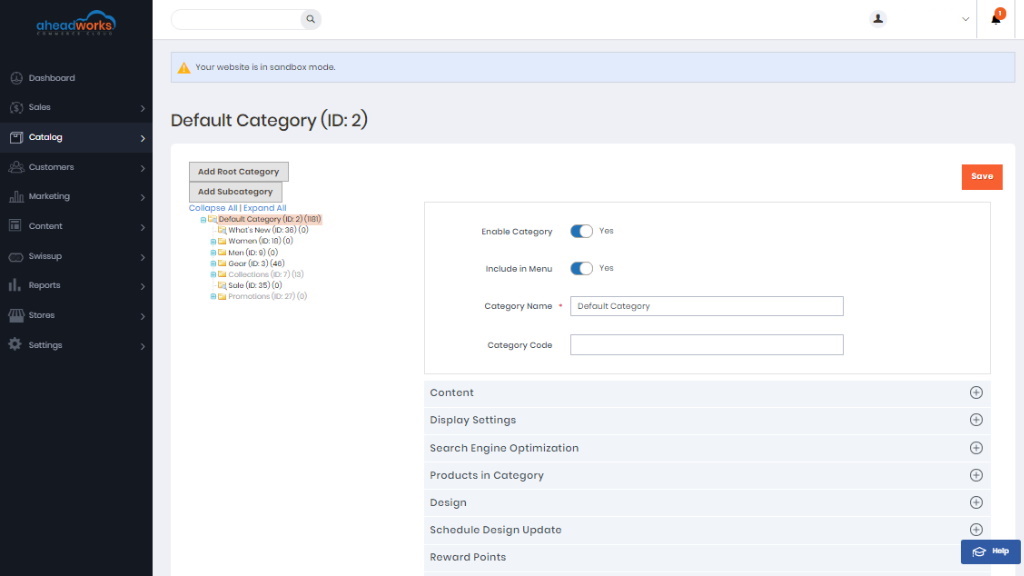
Creating category
Before adding the product create the category and set the category structure of the catalog in order to assign products.
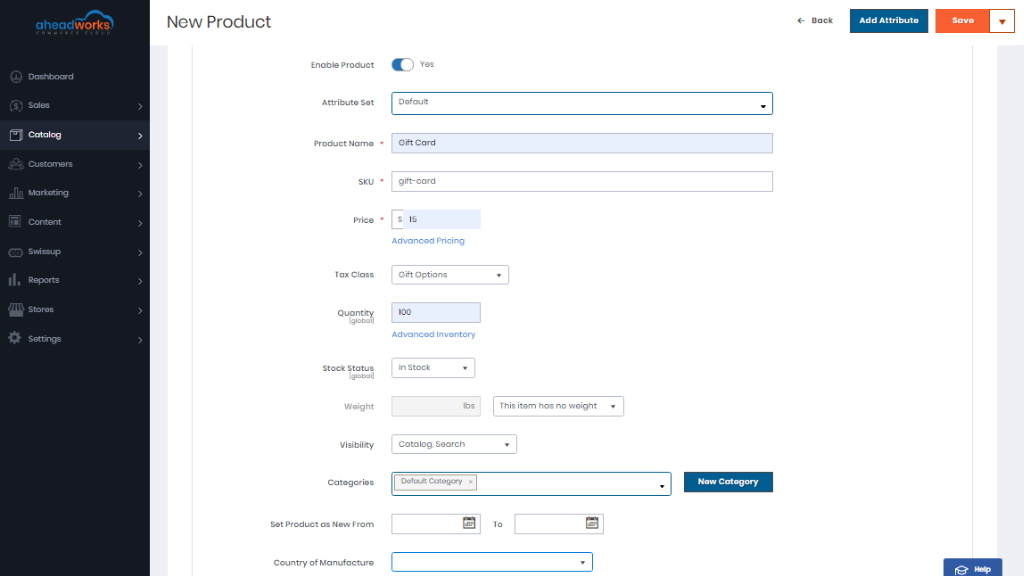
Adding products
At the top of the page, fill in the often-used product settings and attributes.
Below are other custom product settings.