Customers Management
In the Customers menu, you can find access to customer account management tools. Also here you can see who is currently online in your store. Click here for detailed information.
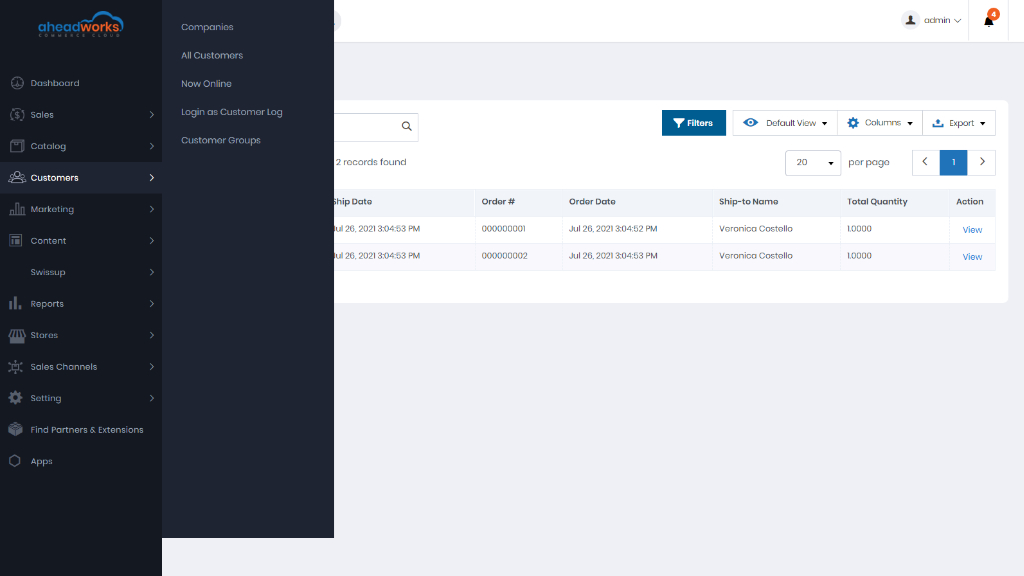
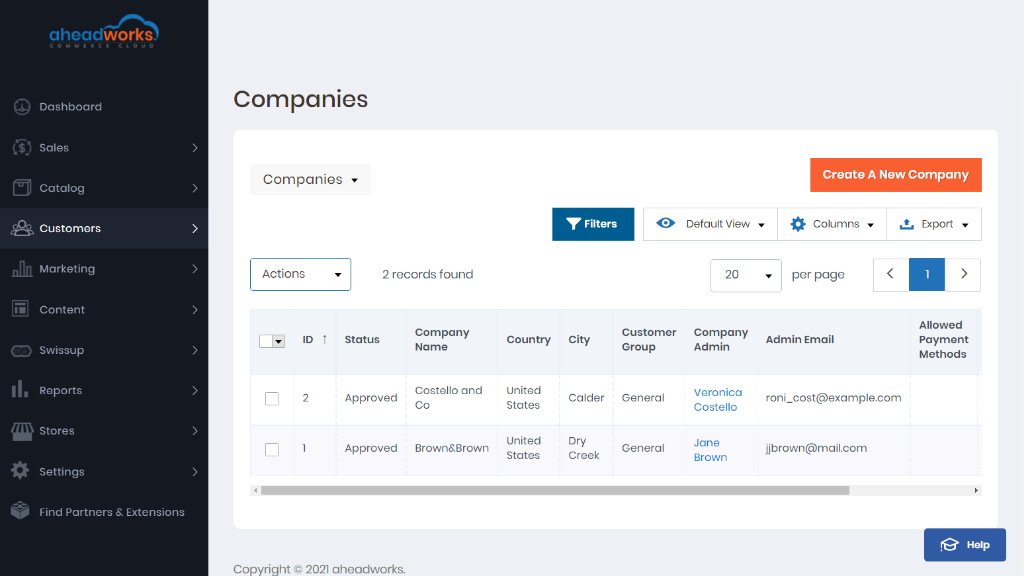
Companies
Grid with all active company accounts and pending requests. Here you can change company status and create and manage company accounts.
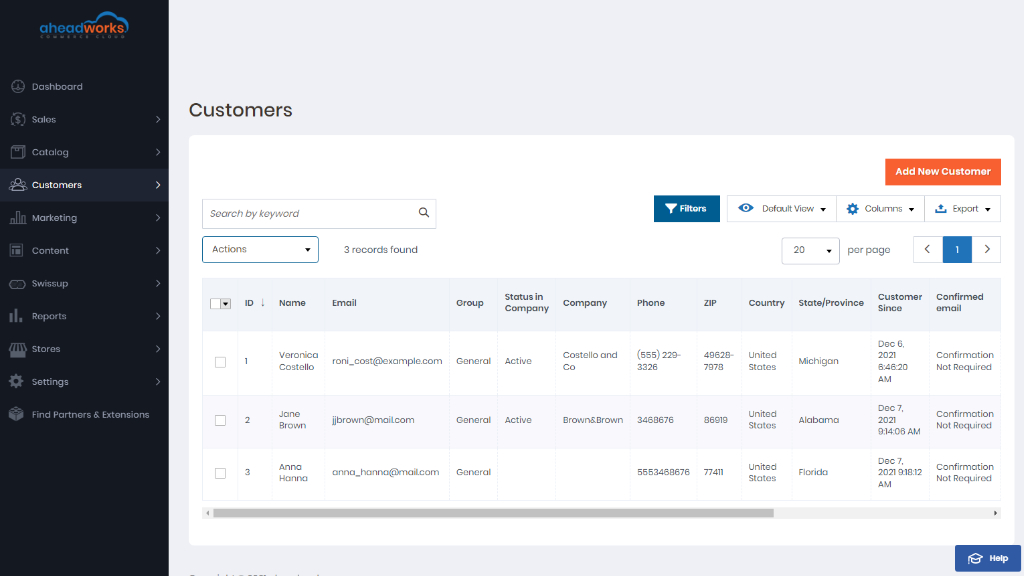
All Customers
Grid with all registered for an account with your store or were added by the administrator customers.
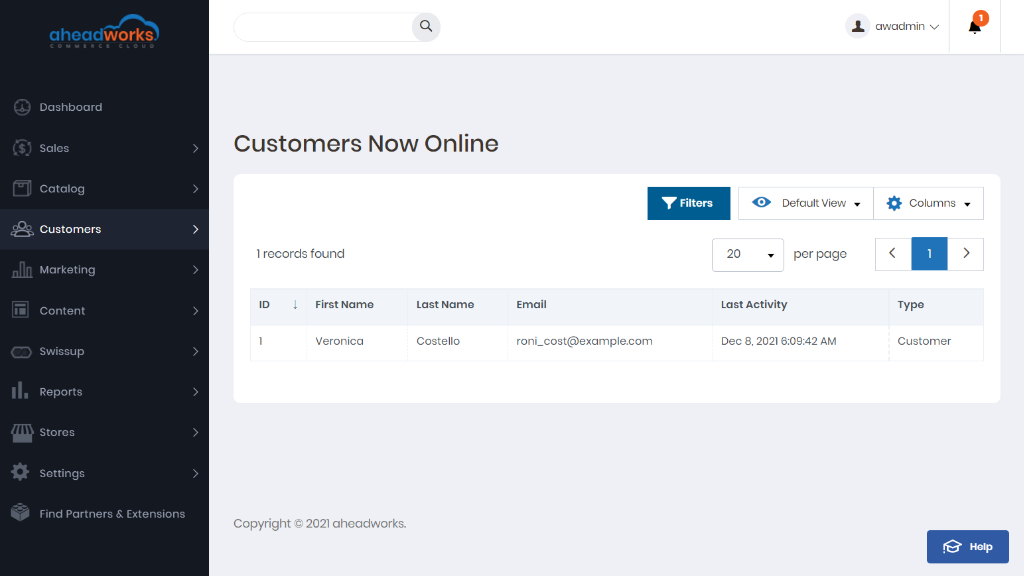
Now Online
Grid with all customers and visitors who are currently online.
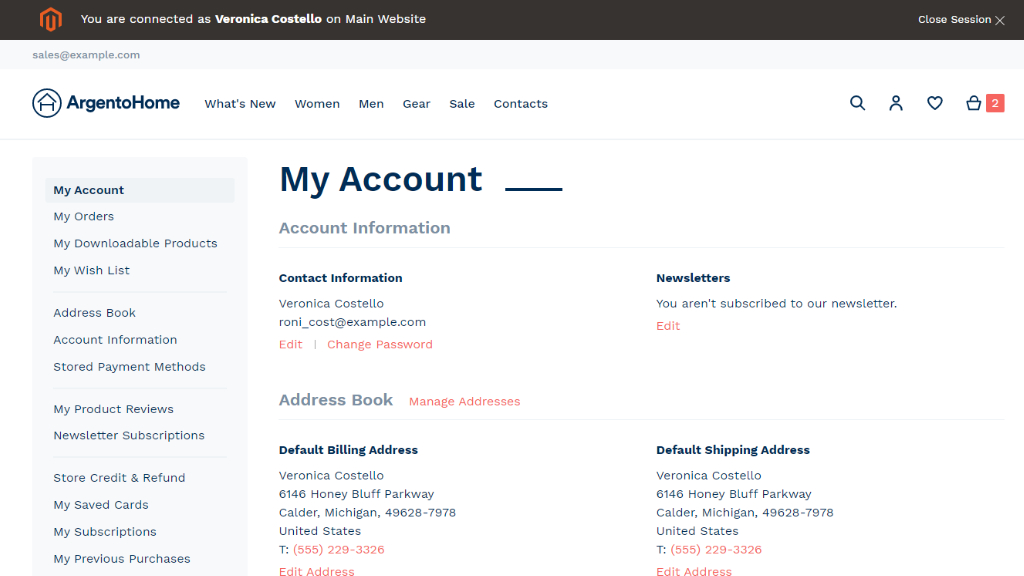
Login as Customer Log
You can Login as Customer, if the feature in your store Stores > Settings > Configuration > Customers > Login as Customer is enabled.
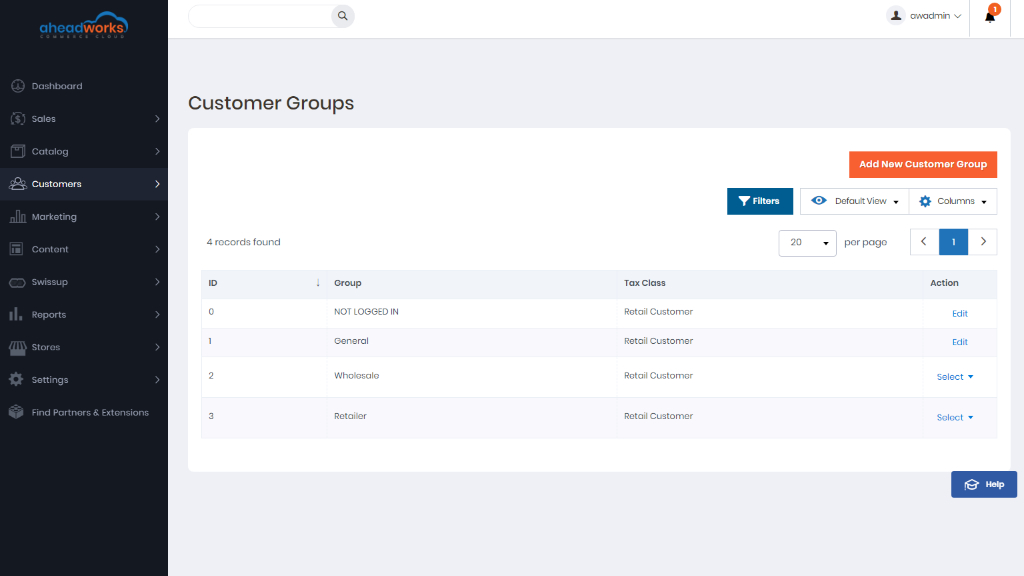
Customer Groups
The customer group determines which discounts are available to shoppers and the tax class for the purchase.